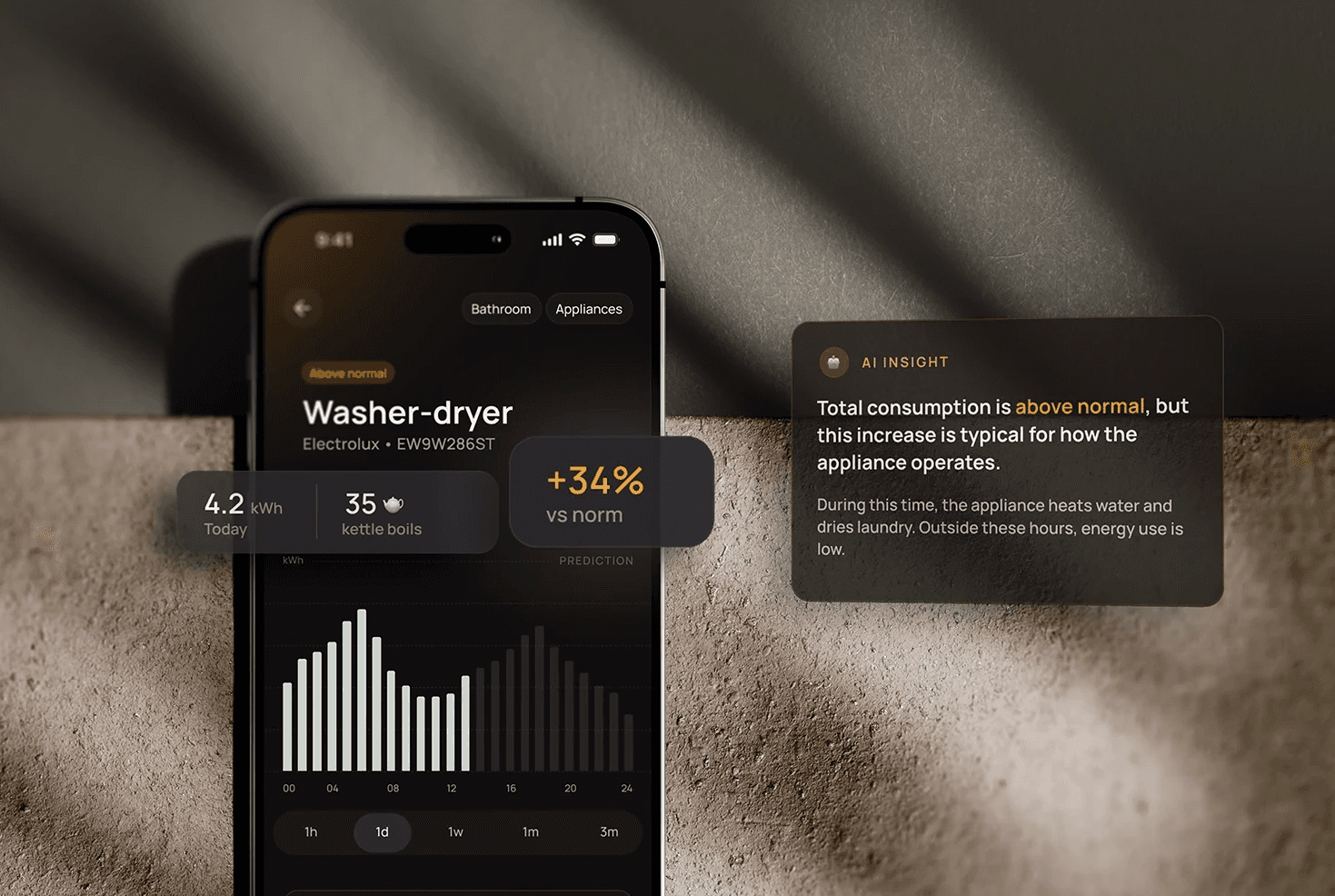
Sensa
Mobile app that helps users understand their home energy usage through simple insights instead of complex data. It focuses on clarity and context, making it easier to see what’s happening and feel in control without needing technical knowledge.
Client
Concept project
Services
UX Research
User Interviews
User Flows
Wireframing
UI Design (Hi-Fi)
Prototyping
Usability Testing
Industries
Energy / Smart home
Date
2026
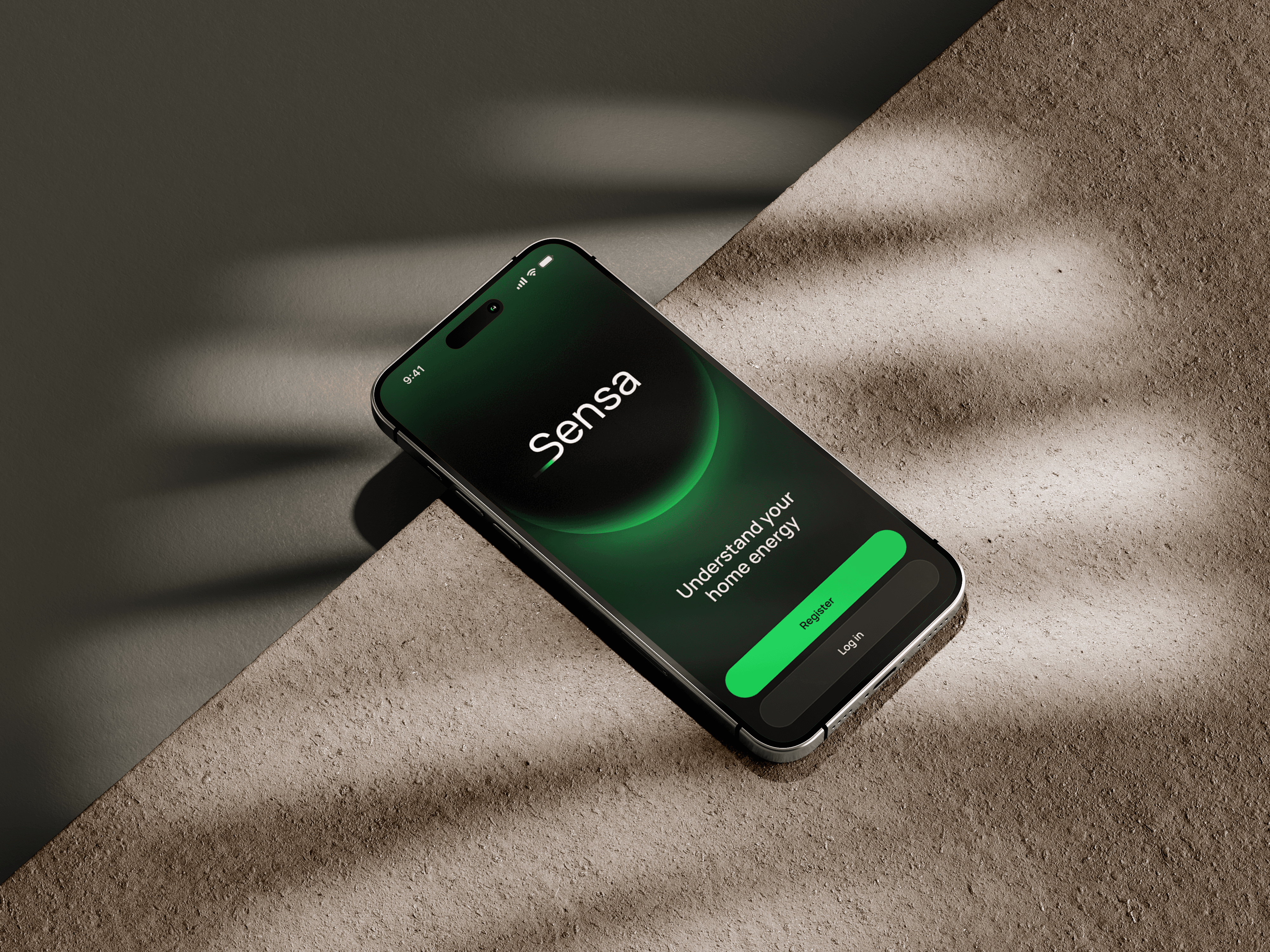
Problem
Most energy apps rely on charts, numbers, and technical terms. While they provide detailed data, they don’t help users actually understand what is happening.
As a result:
users don’t know if their usage is normal
they don’t understand what drives higher consumption
they feel no real control over their energy use
Research
I reviewed existing energy tracking apps to understand how they present usage data and what information they highlight. I also spoke with people around me about their experiences with similar apps and what they find confusing.
This helped identify common challenges, especially around interpreting charts and understanding what affects energy consumption.
Insight
users rely on simple signals like “normal” instead of interpreting charts
energy data without explanation feels unclear and unhelpful
users try to guess which devices consume the most instead of trusting data
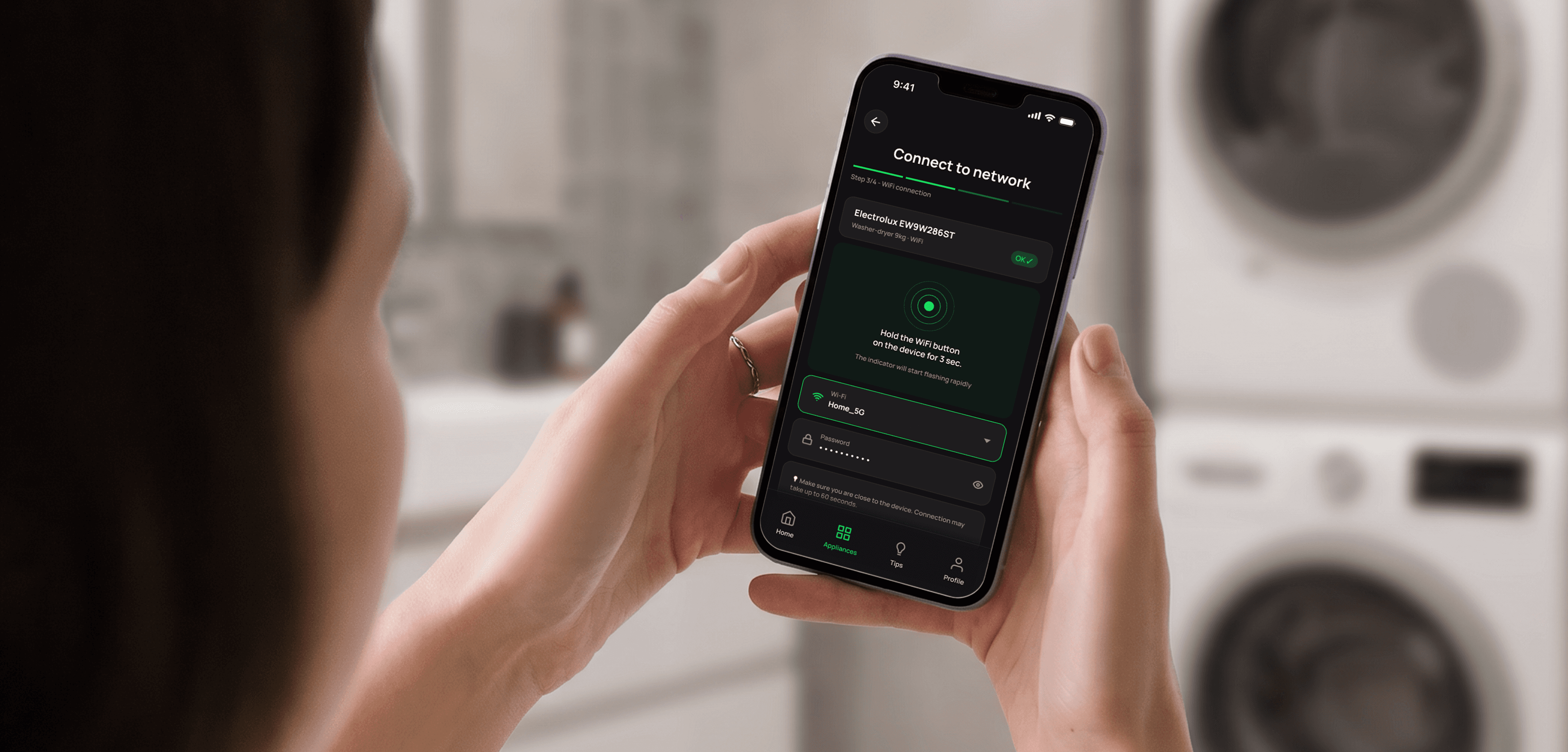
adding new devices needs clear guidance and simple language
Solution
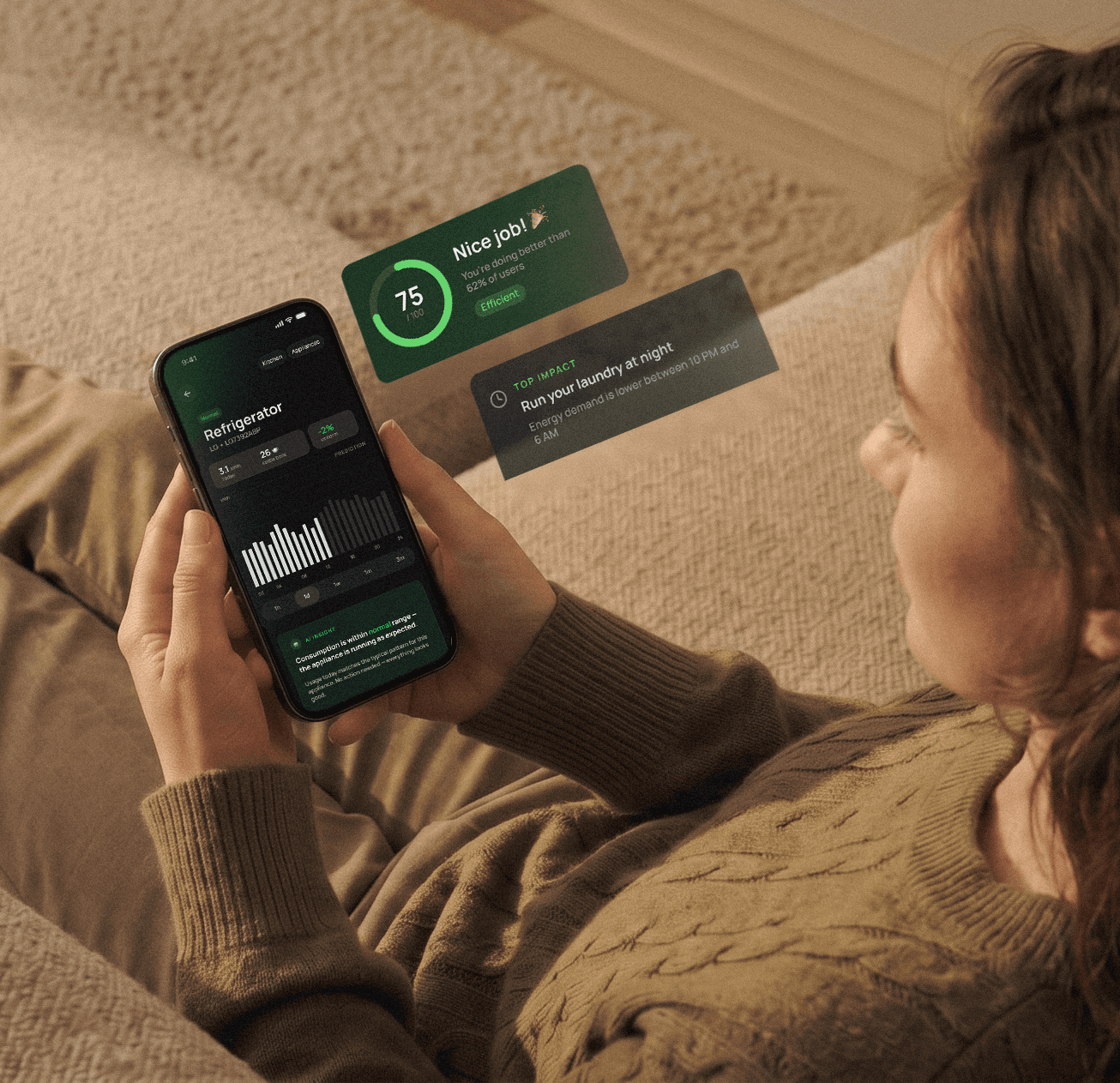
Sensa translates complex energy data into simple, understandable insights that help users recognize patterns and make informed decisions about their home energy usage.
Instead of focusing on raw numbers, the interface explains what is happening and why energy consumption changes over time.
Early concepts & lo-fi prototype
Based on early insights, I created a low-fidelity prototype to explore the structure of the app and validate the main user flows before moving into visual design.
The prototype focused on helping users understand their energy usage, navigate between devices, and add new smart devices to the system.
Testing early versions of the interface helped identify usability issues and refine the overall interaction model.
Usability testing
I tested the low-fidelity prototype with a small group of users with different levels of technical experience.
The goal was to validate whether the concept was understandable and whether users could navigate the main flows without additional explanation.
The tests confirmed that users quickly understood the idea of the app and were interested in exploring their energy usage patterns.
At the same time, the sessions revealed areas that required improvement, especially around navigation clarity and the process of adding new devices.
The results also helped define the target audience more clearly — users with basic familiarity with smart devices and mobile apps.
Based on these findings, I refined navigation clarity and simplified the device-adding flow before moving to high-fidelity designs.
Hi-Fi Designs & Prototyping
After validating the structure and core interactions through low-fidelity testing, I moved on to developing the visual interface.
The goal of the high-fidelity stage was to improve clarity, strengthen hierarchy, and make energy insights easier to scan and understand at a glance.
Connection
Tips & AI Insights