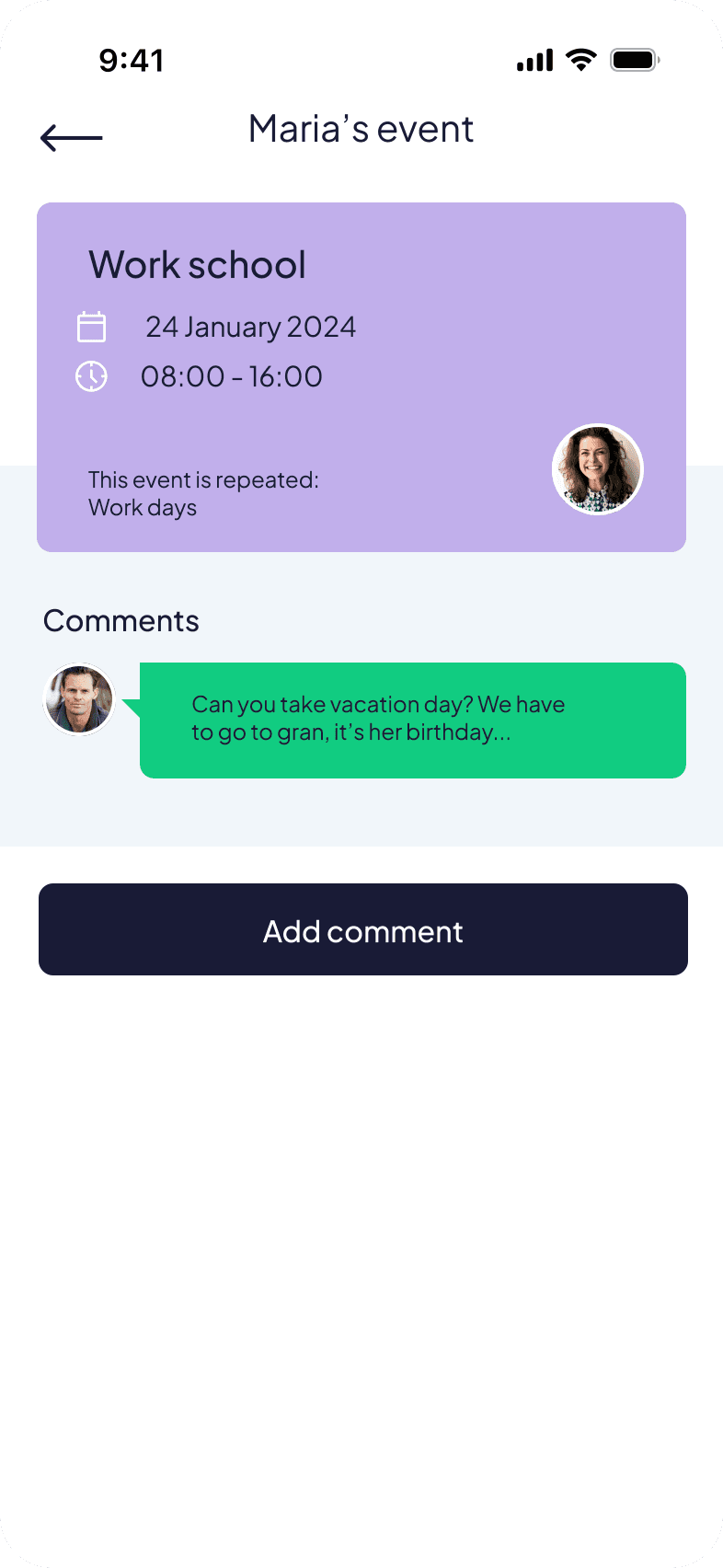
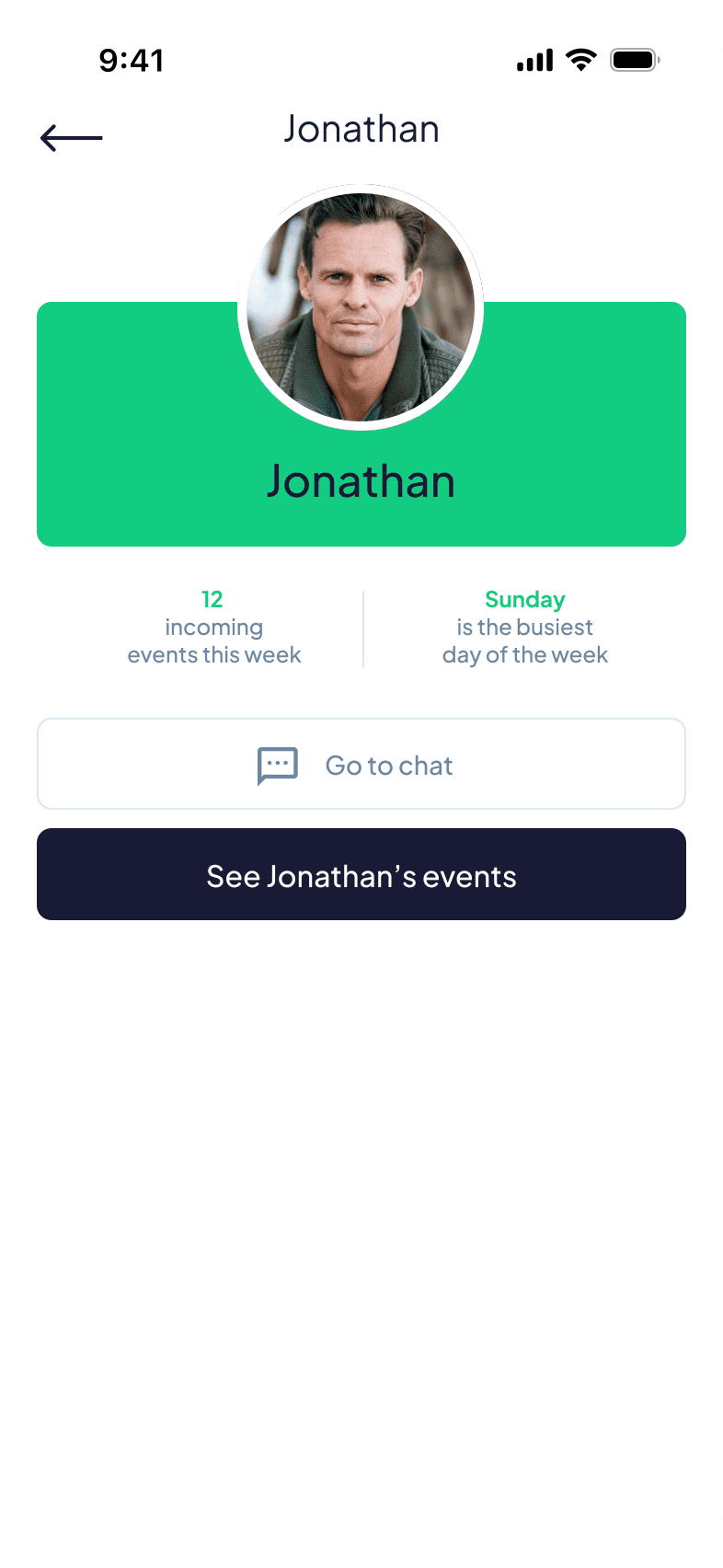
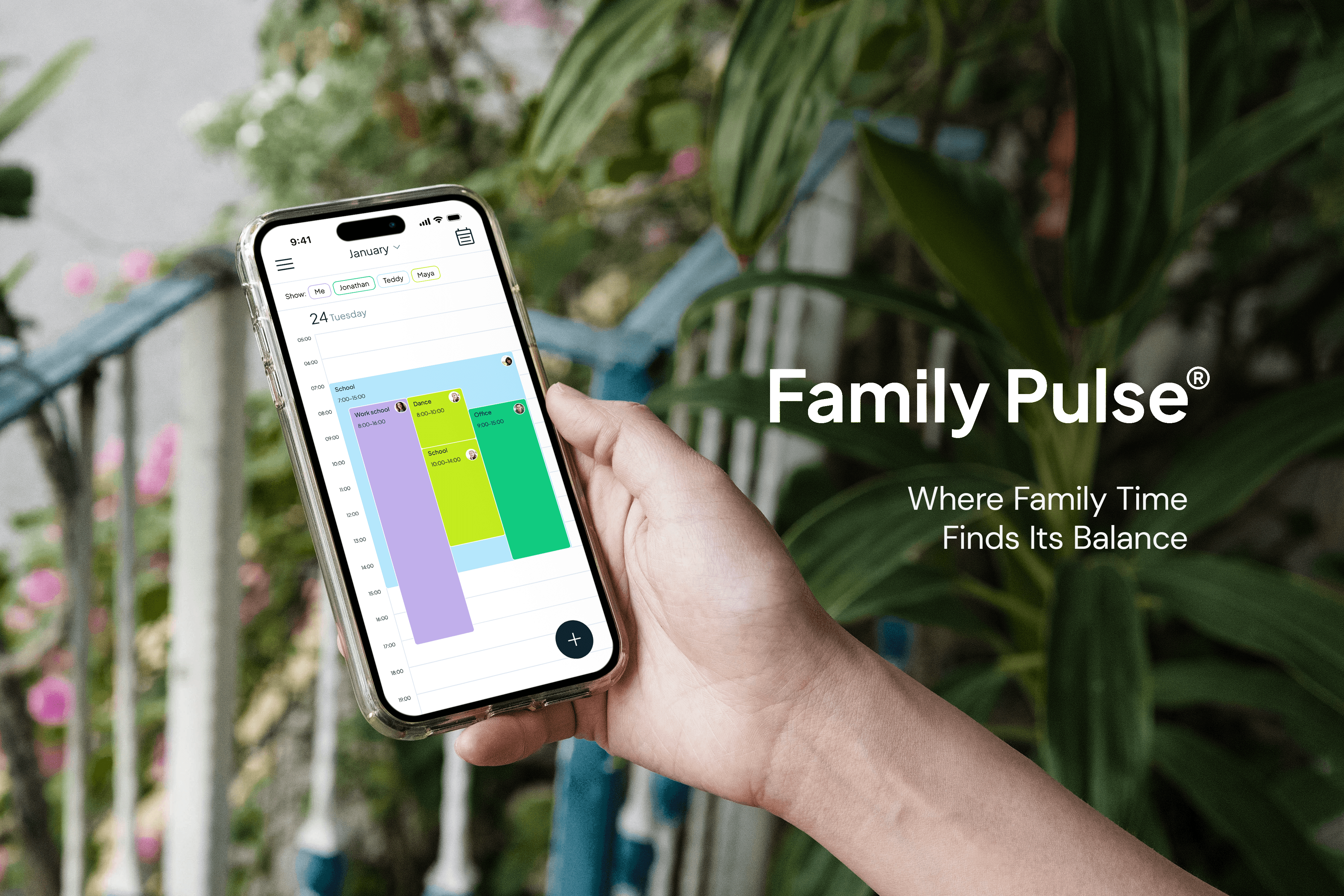
Family Pulse
Family Pulse is a concept app designed during the Google UX Certificate program. It explores how families can use a shared calendar and simple communication features to reduce stress and stay better organized.
Client
Google UX Certificate
Services
UX Research Wireframing & Prototyping UI Design Usability Testing
Industries
Lifestyle / Family
Date
2024
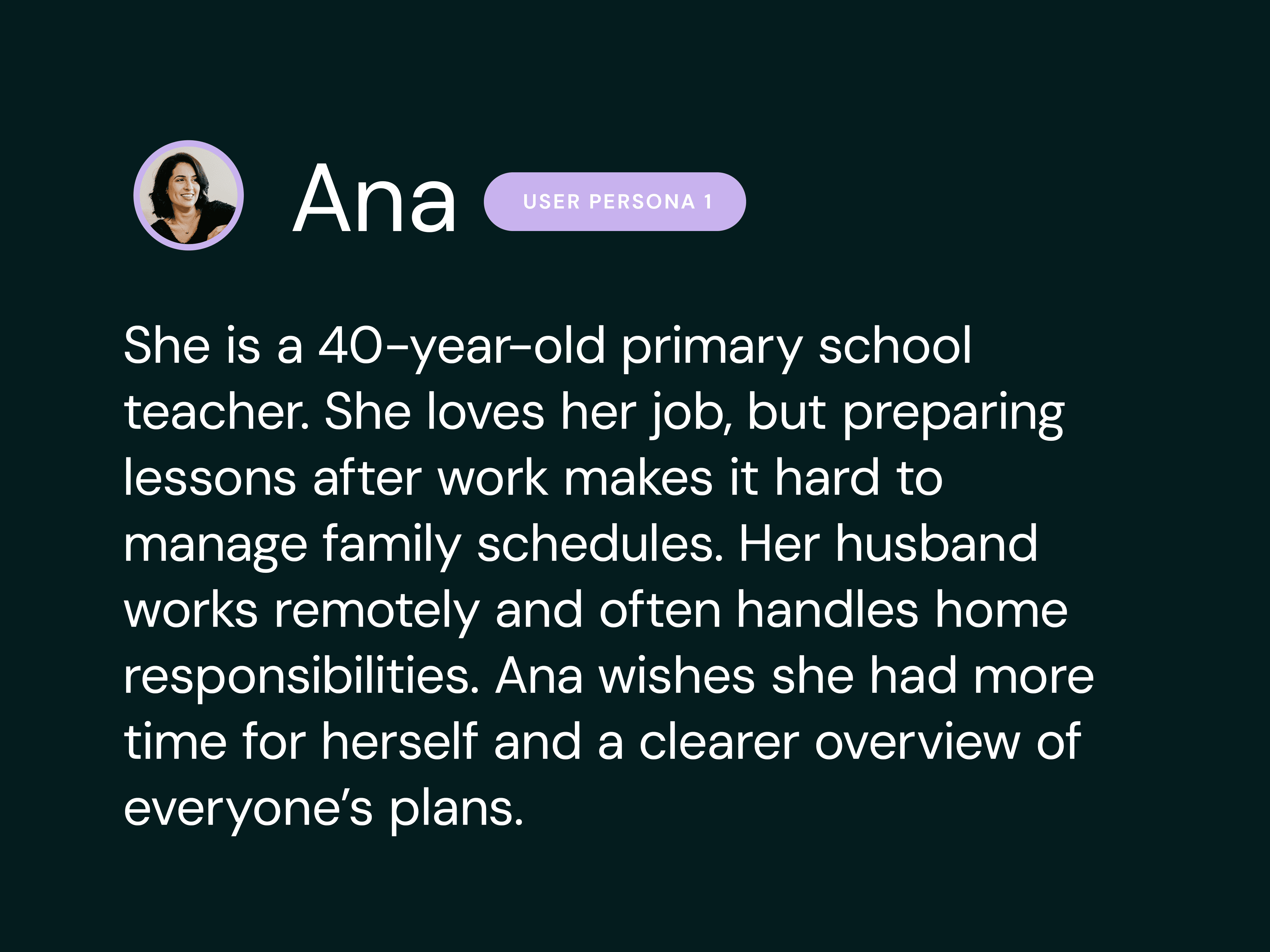
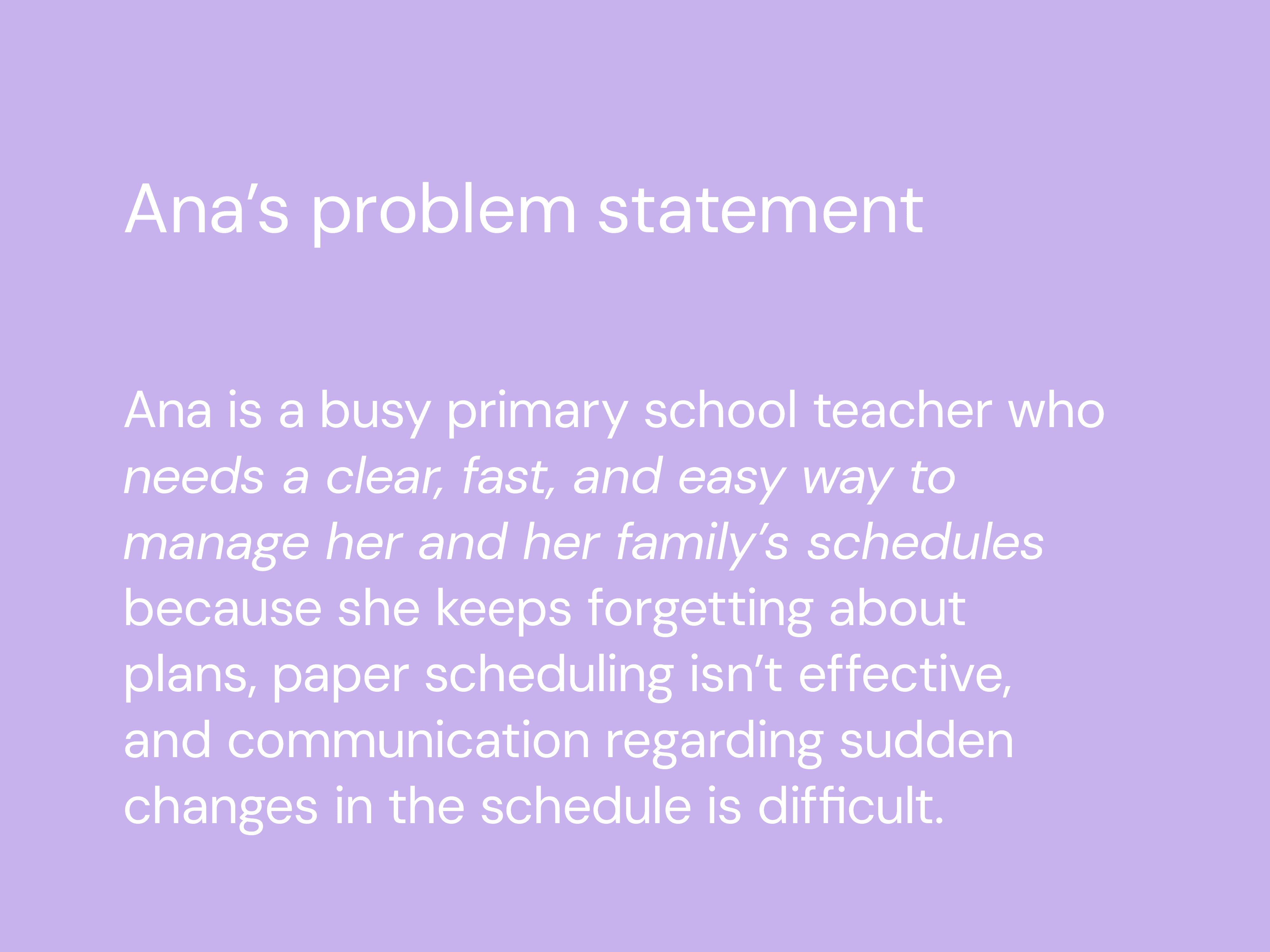
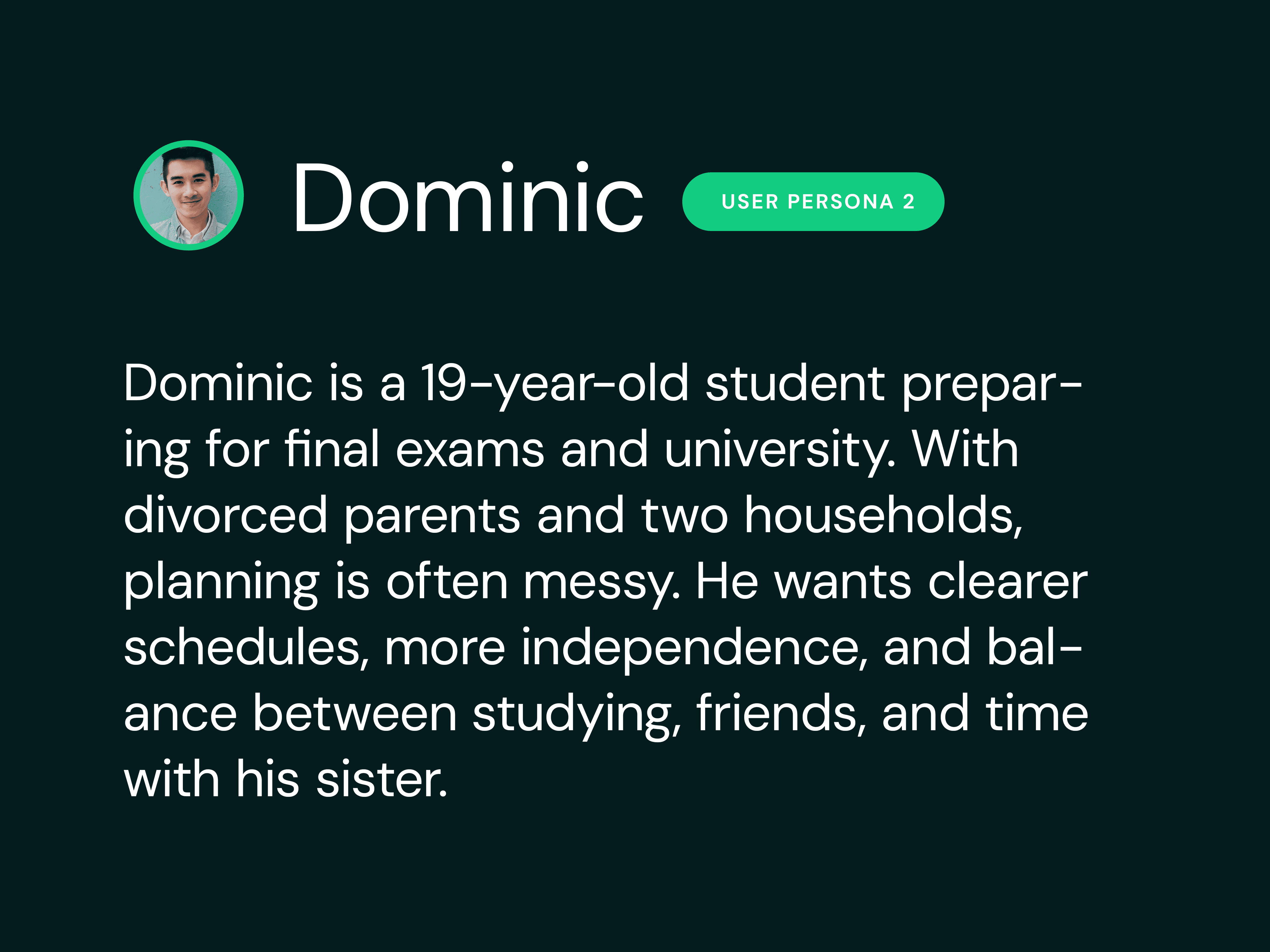
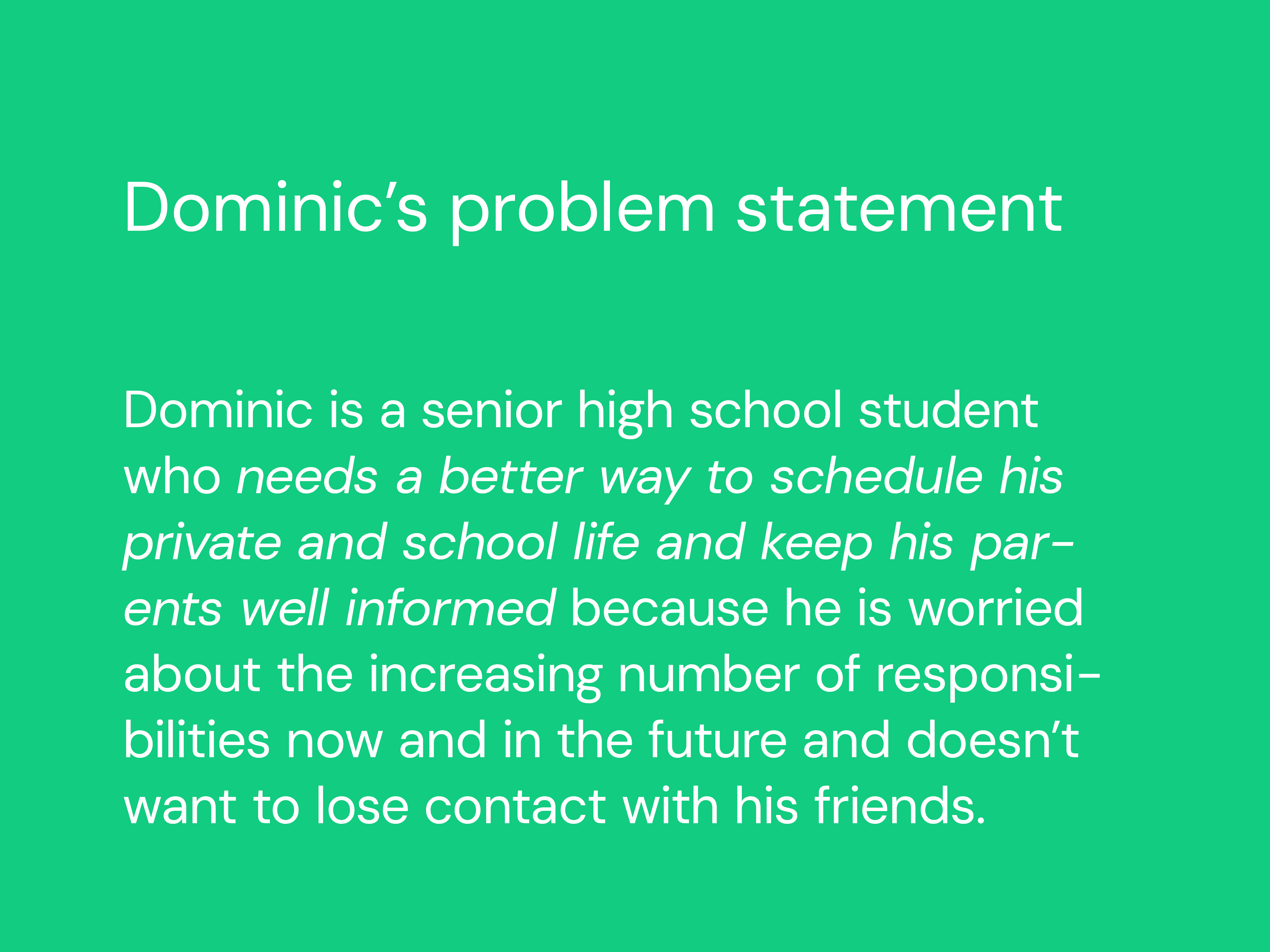
At first, I thought the app would be mainly for families with school-aged children. But research showed that many different families could use it - including those who live in separate households. In later interviews, people said they often struggle with unclear communication, problems syncing schedules, and the stress of managing a busy family life.
User journey
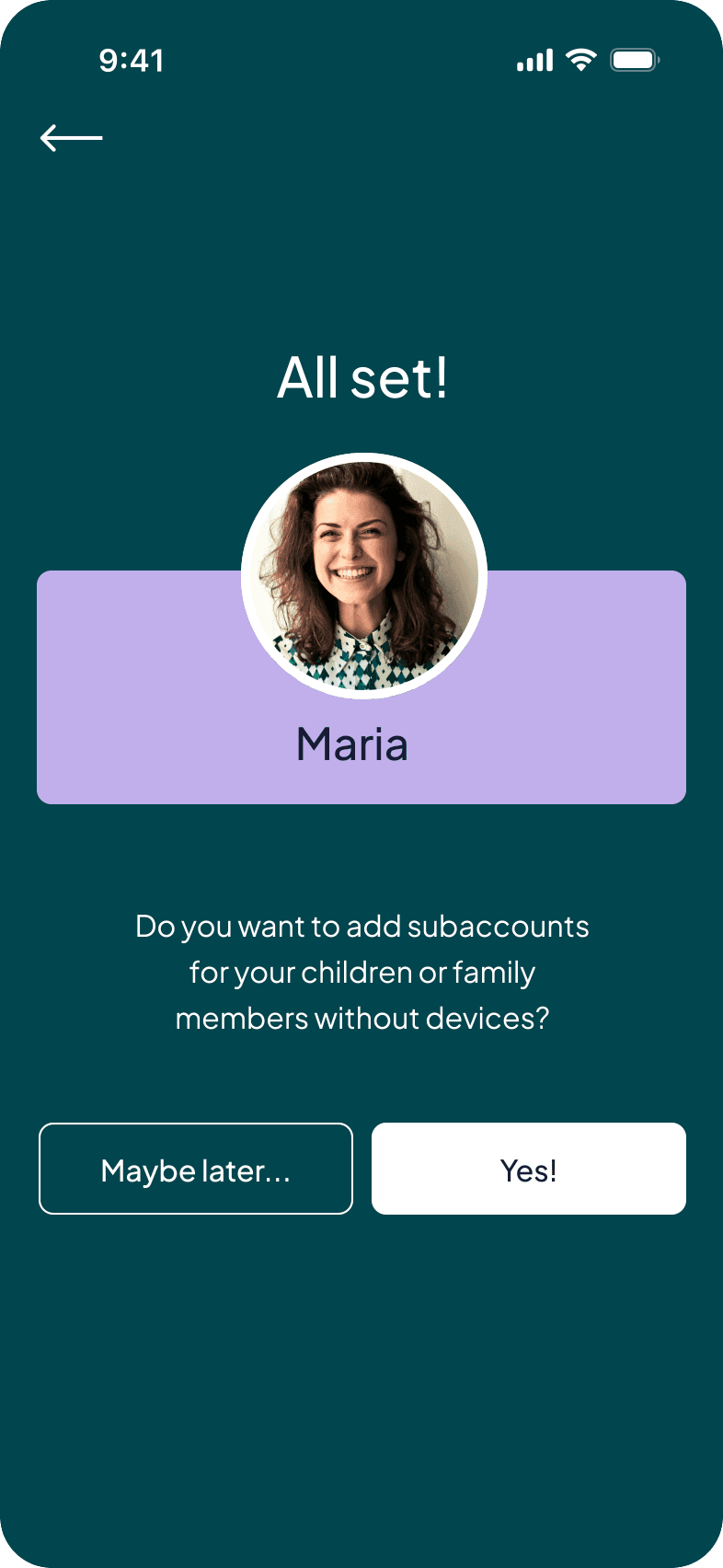
Goal: Create an account, organize her weekly schedule, and invite family members to join.
Realizes she need a better control | Searches for a scheduling app | Creates an account & adds first events | Creates sub-accounts for children | Views full family schedule | |
|---|---|---|---|---|---|
Action | Struggles to manage family and work plans on paper. | Views full family schedule | Sets up her profile and adds initial weekly plans. | Adds profiles for her kids who don’t use smartphones. | Checks the shared calendar and organizes upcoming plans. |
Emotion | 😩 Overwhelmed and disorganized. | 😬 Hopeful but worried it may be too complicated. | 🤔 Becoming more confident, still unsure about details. | 😌 Relieved and curious as she sees profiles connect. | 😁 In control, informed, and optimistic. |
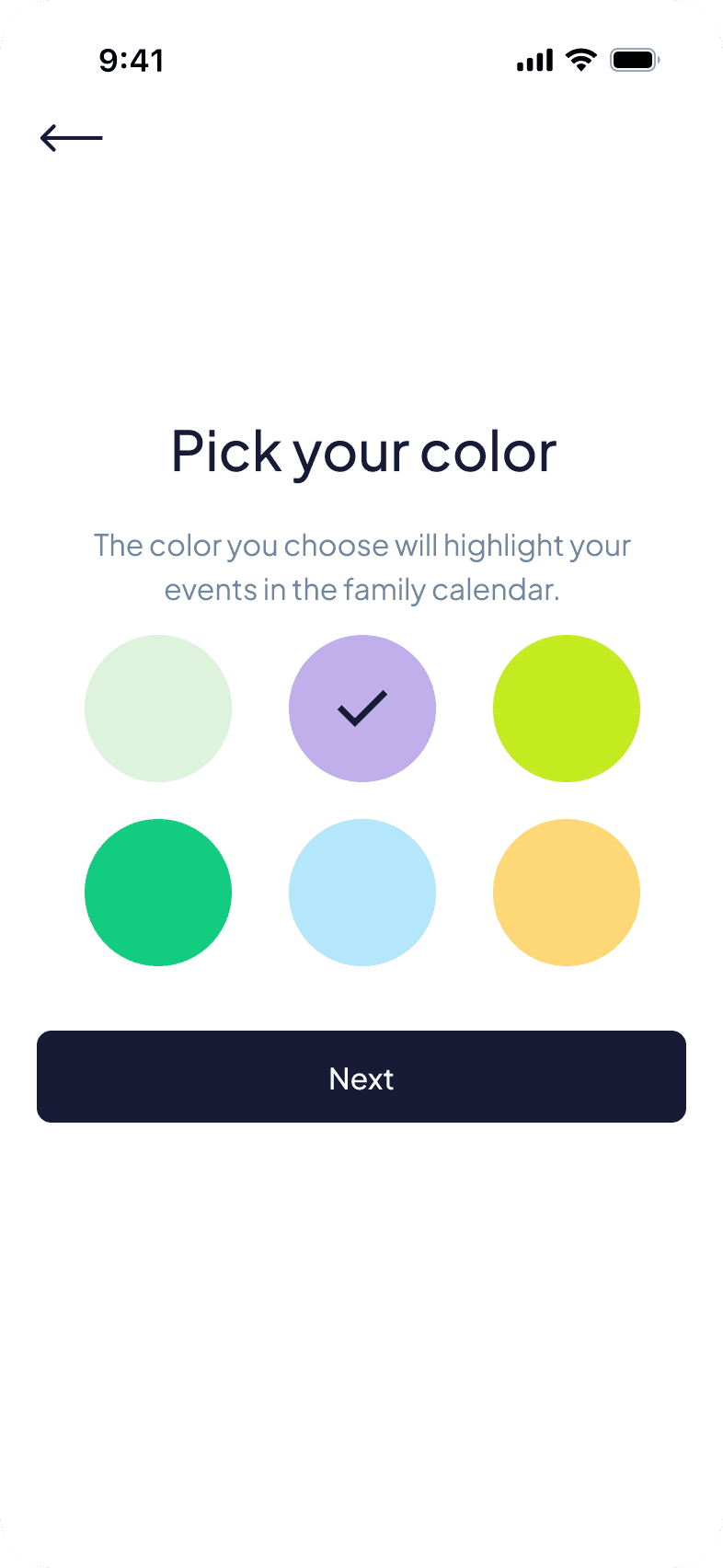
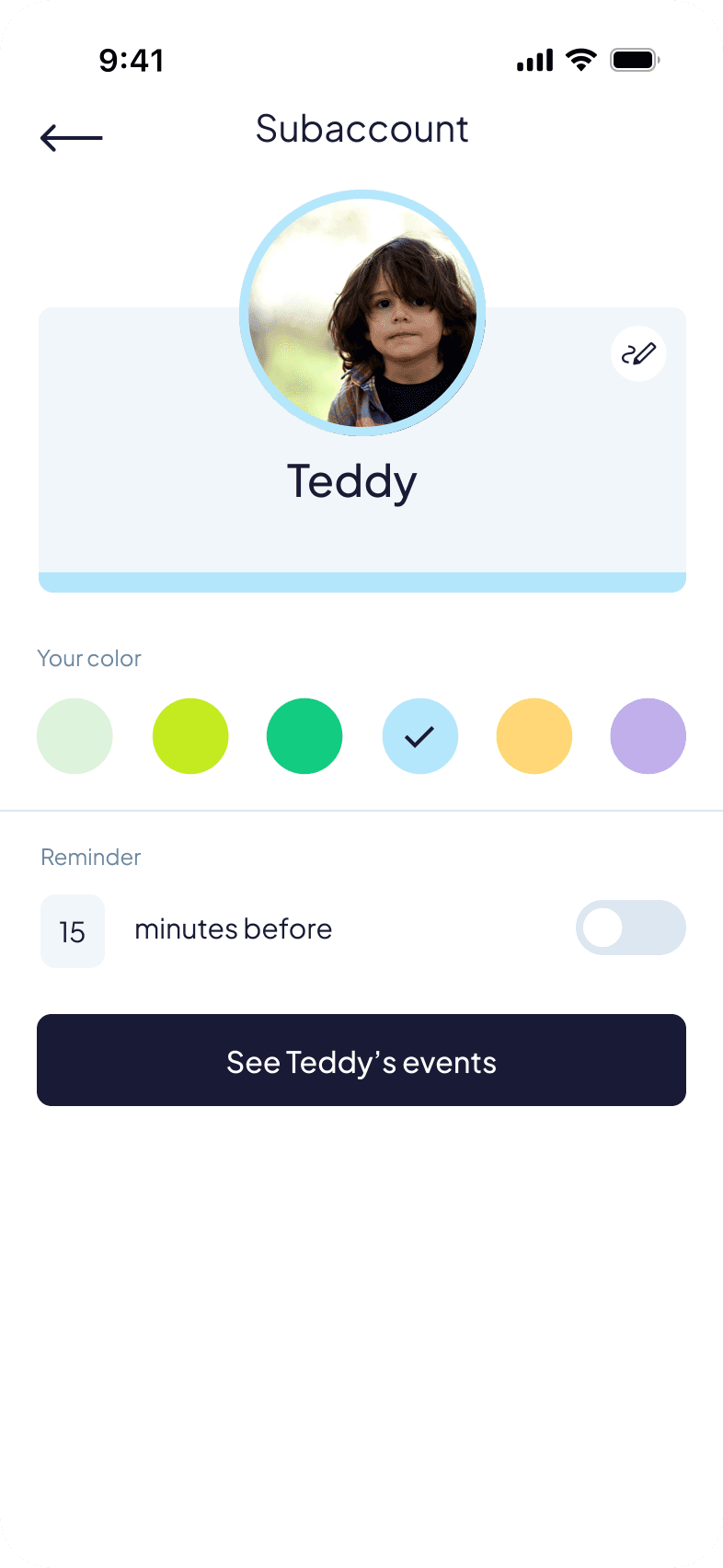
Opportunity | Provide a simple, tech-friendly solution for busy parents. | Clear value explanation and easy onboarding. | Guide users with simple steps and helpful hints. | Make adding family members fast and intuitive. | Provide clear navigation, color-coded members, and zoom options. |
Starting the design
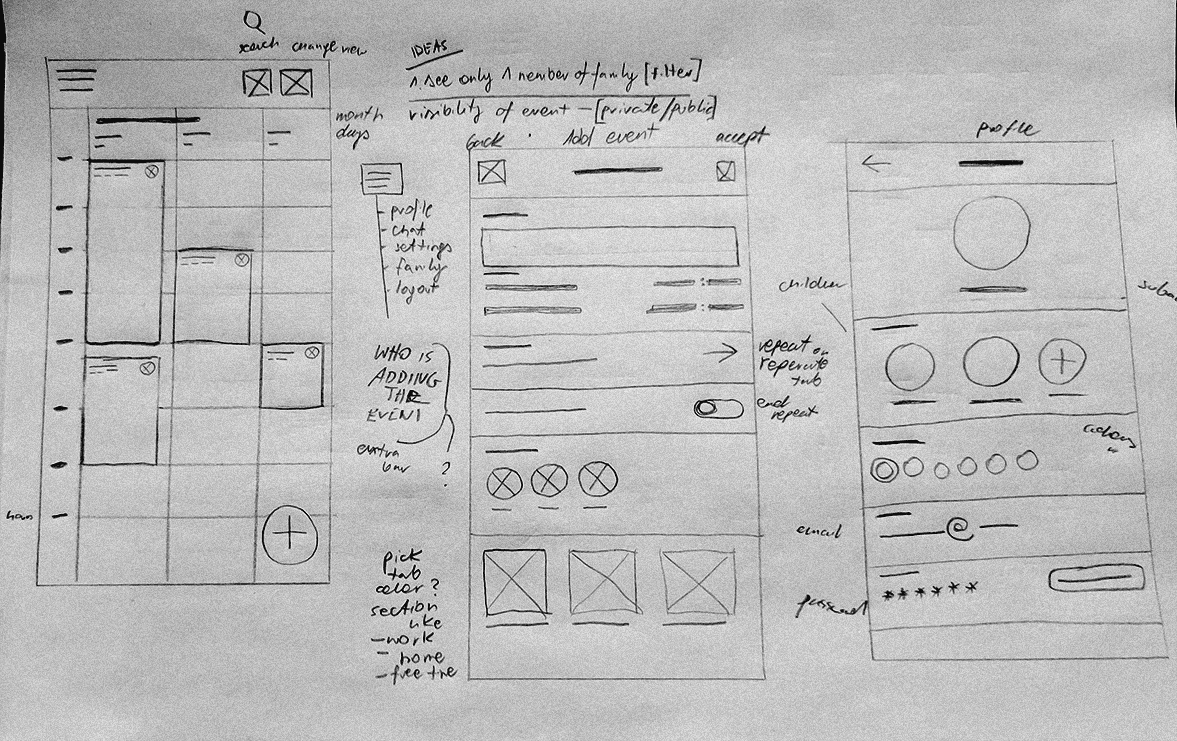
I began with paper sketches and low-fidelity wireframes to explore flows such as creating accounts, adding events, and navigating a shared calendar.
The first prototype focused on making event creation fast and visible to everyone in the family.
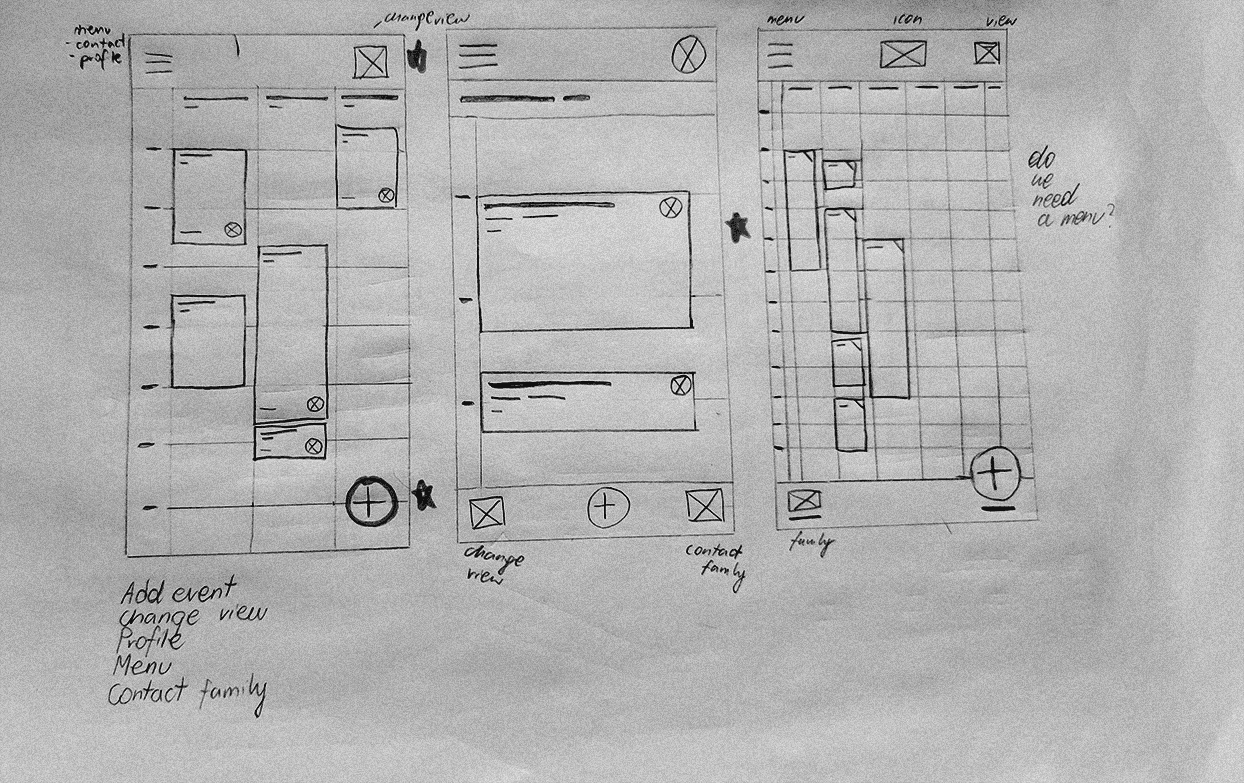
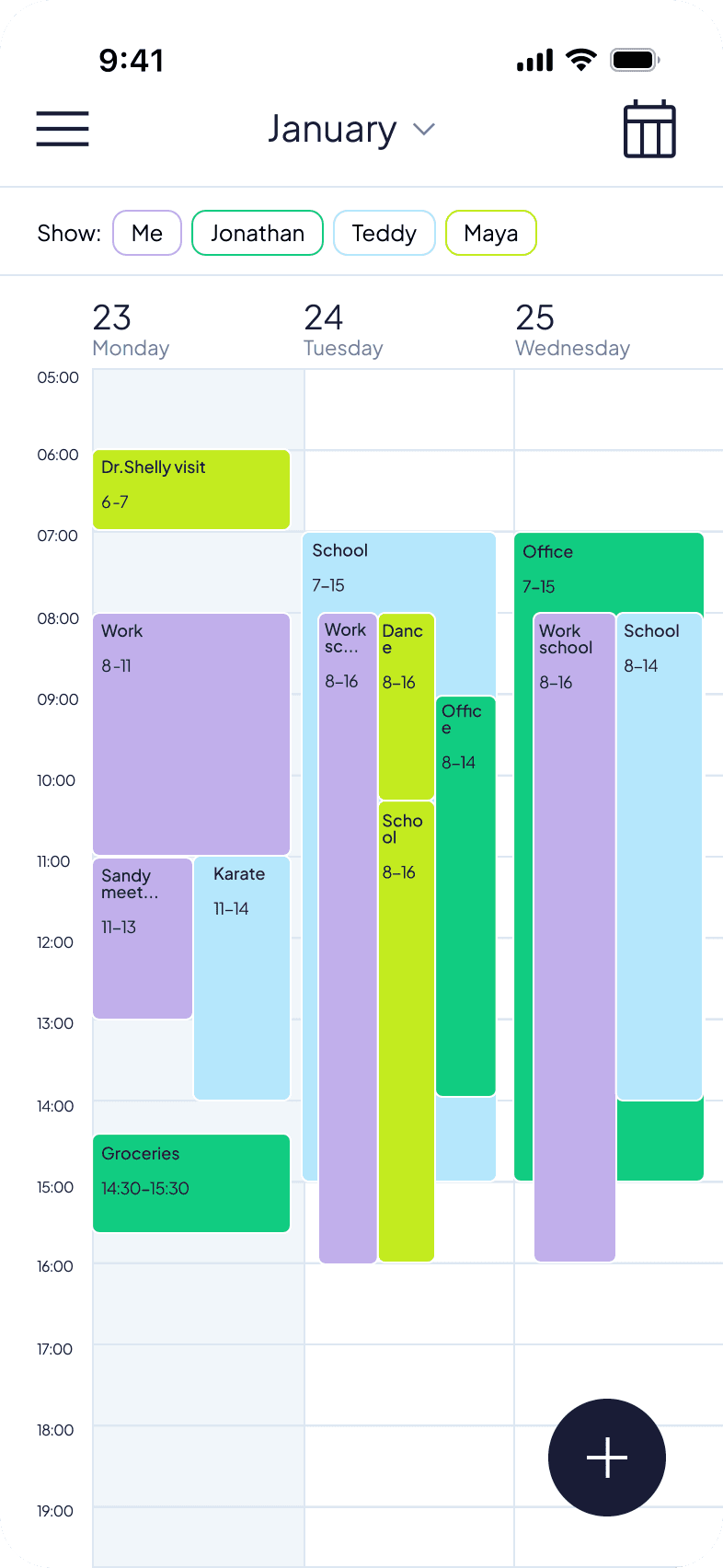
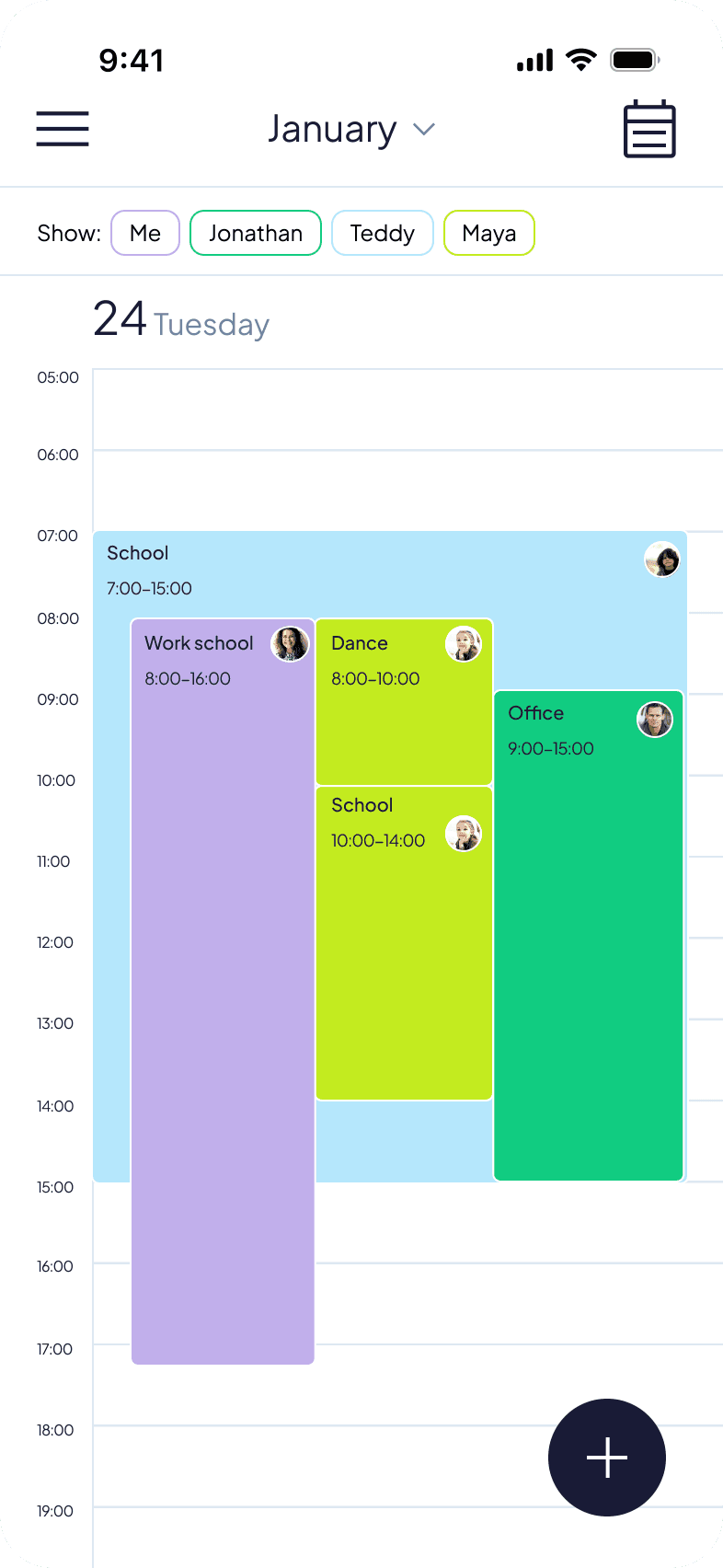
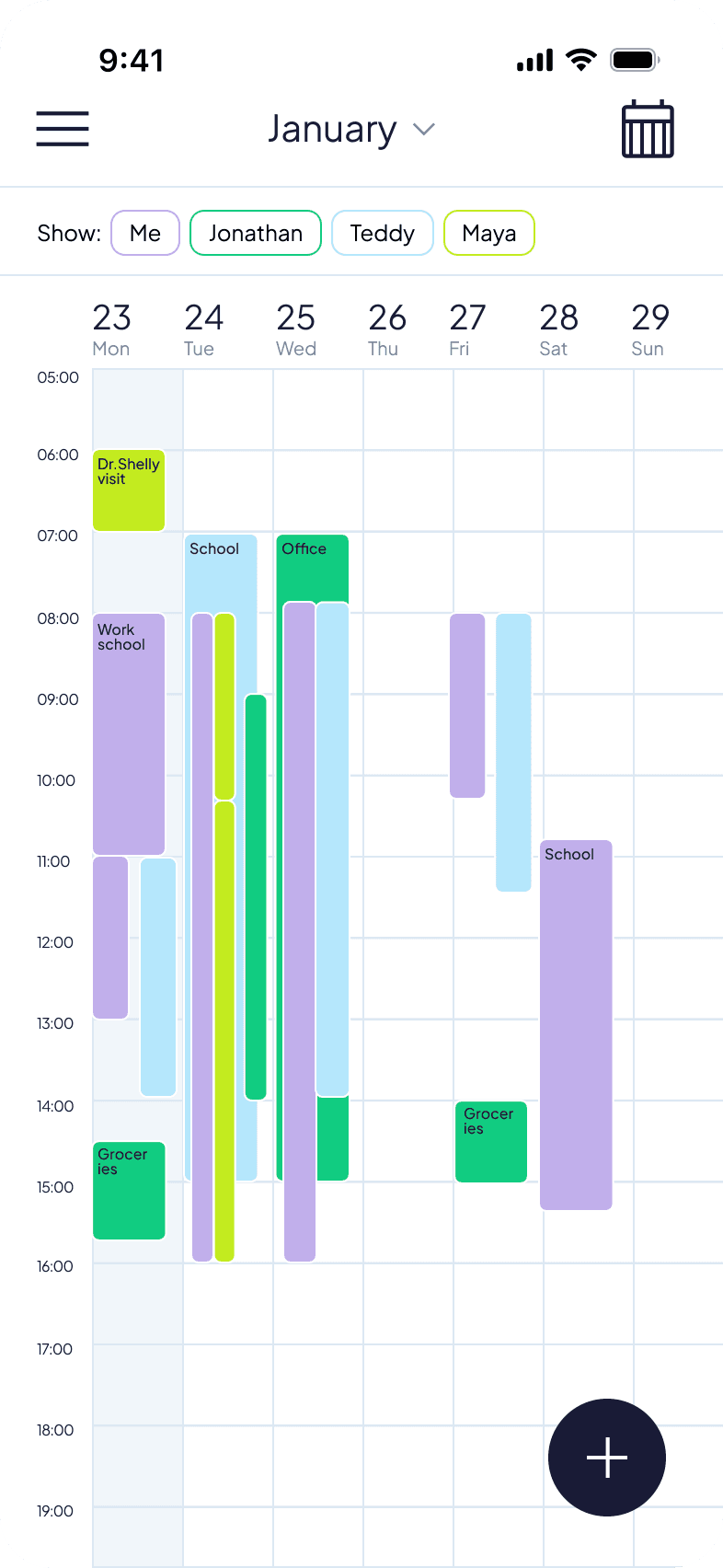
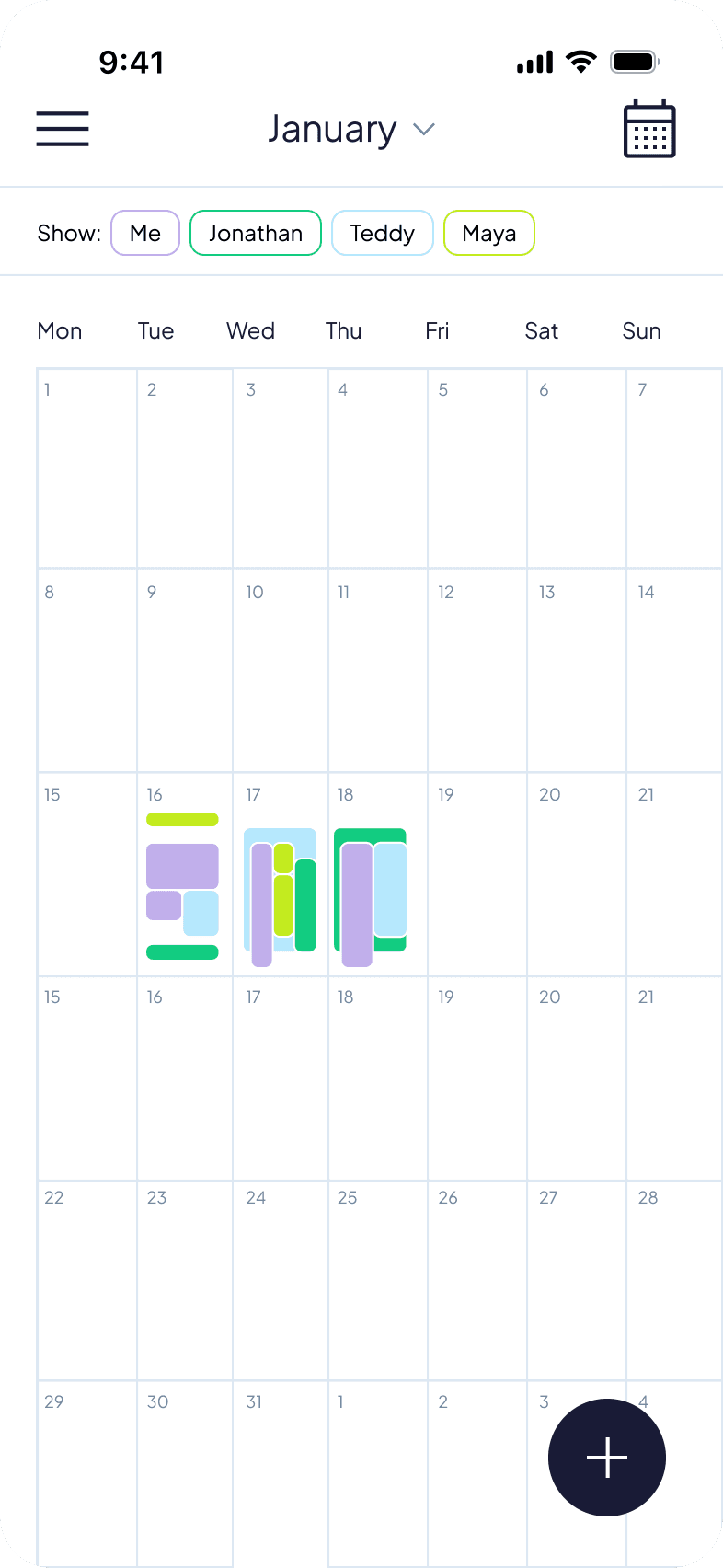
I ran a usability test on a low-fidelity prototype with five participants aged 12 to 66. They were asked to complete key tasks such as creating an account, adding an event, changing the calendar view from week to three days, and finding the “My Account” section.
After the sessions, I grouped the findings using affinity mapping to identify common issues and patterns. Based on these insights, I made the first round of design improvements.
Key insights | Users prefer creating events directly by clicking on a calendar cell. | Action buttons (e.g. accept changes) need clearer and more consistent placement. | Some users expect the calendar view switch to be in the main menu — stronger visual cues are needed. | Copywriting should be simpler to reduce initial confusion. |
|---|
Branding colors
Main app
User colors